clicrbs · contact
How to talk to clicrbs without losing the thread of the reading
If your question is about where to look for help, the path starts by reading the names shown inside the platform. Here, the focus is to point to the right section, separate editorial information from the external environment, and avoid shortcuts that were not provided.

What this page really delivers
Not every question calls for a direct channel. In many cases, what solves it is identifying where the external platform itself gathers the help, account, access, or support options. clicrbs handles this point objectively: instead of inventing its own support, the reading guides the visitor to observe the visible labels and recognize the correct path within the environment opened from the portal.
This changes the pace of navigation. Instead of looking for a generic button, it is worth taking a calm look at the menu, footer, and internal pages. When the section name is clear, the chance of going to the right area increases. When it is not, the best thing is to go back one step and read again. Simple as that.
Three signs to check first
When reading needs to be more careful
There is one detail that makes a difference: not every platform uses the same words. One site may call “help” what another calls “support,” and there are cases where the area is inside a broader menu. For this reason, clicrbs reading does not promise an immediate solution; it helps interpret what appears on the screen.
If the option is not obvious at first, return to the menu and check the names carefully. The answer is usually found less in the quick click and more in correctly identifying the section.
This kind of care avoids confusion with parallel pages, unclear shortcuts, and paths that seem useful but do not lead to the support you are looking for. It is a small habit. And a useful one.
Reading in short steps
- Open the visible option that seems closest to your question.
- Confirm whether the section name matches what you want to solve.
- See whether there are instructions about access, account, navigation, or help.
- Only then proceed to the external destination indicated on the platform.
One more image, without rushing
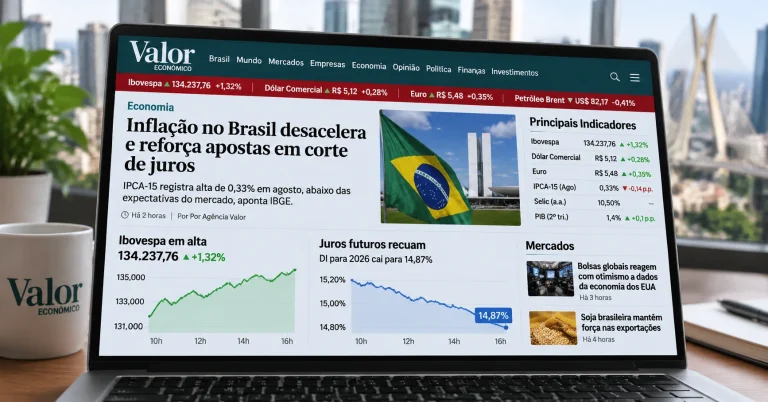
Contact here also involves visual reading. Sometimes, a page seems to promise more than it delivers; for that reason, it is better to separate what is editorial content from what is an external destination. clicrbs keeps this distinction as a starting point for anyone who wants to understand where to look for each thing.



Frequently asked questions
Does clicrbs offer its own support?
No dedicated channel is created on this page. The goal is to guide the reading and show how to recognize the correct area within the external platform.
Where should I look first?
Start with the menu, footer, and sections with names related to help, support, account, or contact. These points usually concentrate the most useful options.
What if I do not find the option right away?
Go back one step and read the labels carefully. In many interfaces, the right path appears in an internal tab or in less obvious supporting text.
Can I follow any shortcut shown on the screen?
The safest thing is to check whether the shortcut really talks about the topic you are looking for. Not every button leads to the contact area or the expected help.